01
All your apps in one place
Open the tool you need. Photos, documents, spreadsheets and creative work belong in one place.
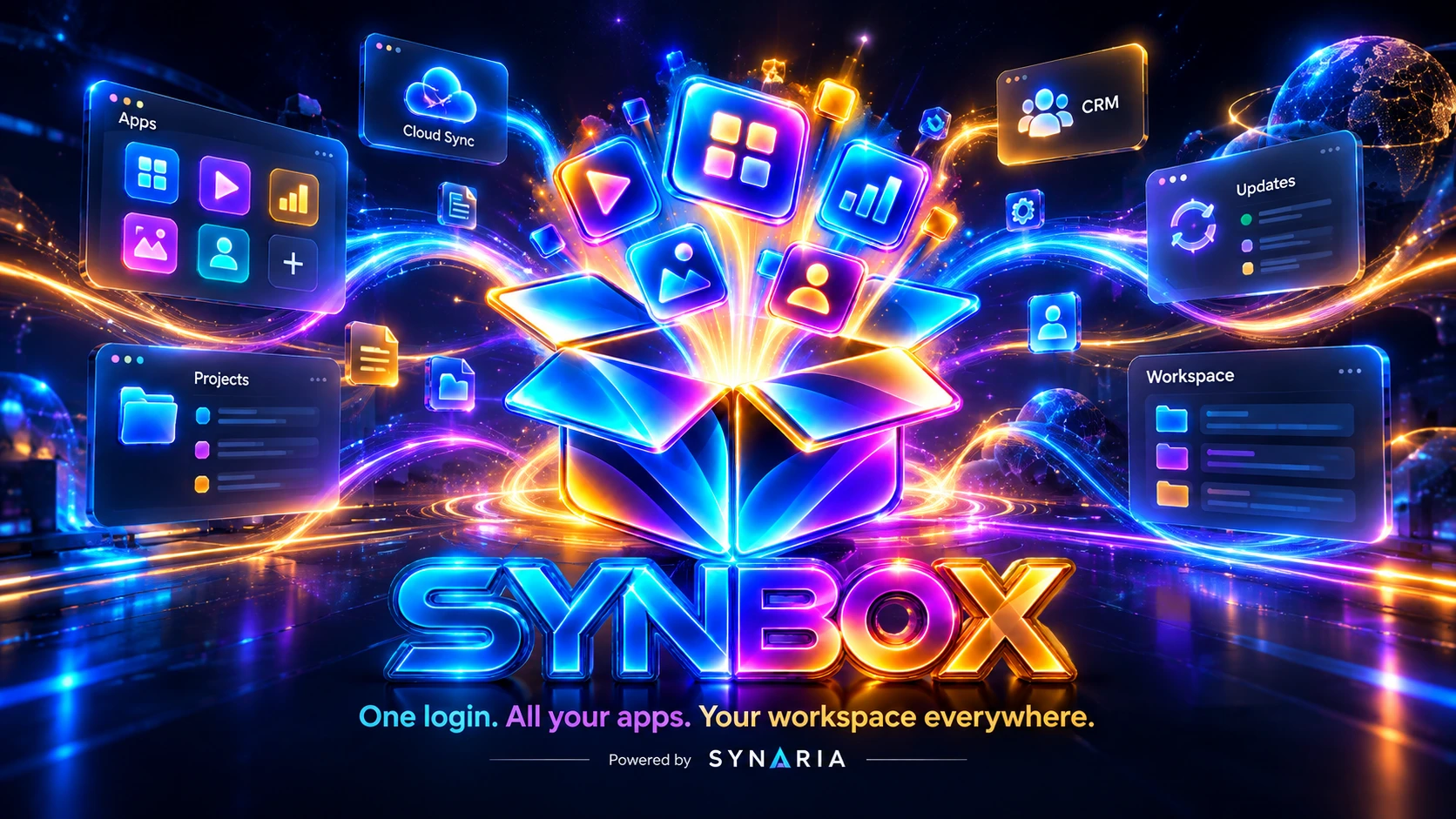
Open your favorite app, return to an unfinished project and keep your files close. No more unnecessary switching between tools.
Your workspace should work for you — not the other way around.
Open the tool you need. Photos, documents, spreadsheets and creative work belong in one place.
Your work does not disappear among open windows. Find your project and pick up where you left off.
Spend time on your work, not searching for the latest file. Cloud connections are on the way.
See new app releases in one place. Less effort installing and keeping your tools up to date.
SYNBOX is evolving. More features will become available over time.
For photos, writing, spreadsheets, film, design and all those other ideas waiting to happen.
Photo editing, batch exports and asset preparation for print and web.
Vector graphics, logos and illustrations with precise curve control.

Text documents, templates and structured business output.

Assembling, merging and checking PDF files before delivery.
Presentations with a consistent visual style and PDF export.
Spreadsheets, overviews and data groundwork for decisions.

Video editing, subtitles and export for web and social formats.

Light and colour work for both photography and video.

Visual effects, transitions and animated elements for your output.
Page layout for brochures and print with grids and styles.

Interface design, components and prototypes for digital products.

Audio, music and soundtracks for videos and presentations.

Technical drawings, floor plans and production groundwork.
No complicated path to your tools. Go from download to doing in a few steps.
Start on Windows. The current installer is an early preview.
Use your account. Your workspace will gradually connect with your apps.
Find the right tool for your idea in the application catalogue.
Return to projects and files. More connections are coming.
SYNBOX brings applications, projects and files into a more natural workflow.
Create images, documents and much more with a connected family of tools.
Connect and synchronize files directly from your workspace.
Keep work, clients and related files better connected.

Email and more tools designed to fit into your everyday work.
You should control who can access your projects and files. We are building SYNBOX with clarity, privacy and safer updates in mind.
Access and licenses depend on the particular app and account. We will publish further details as the platform develops.
The first preview installer is available for Windows. Other platforms are planned.
The catalogue introduces the SYNARIA app family. Individual installations and features are being released progressively.
Google Drive integration and other sync features are being prepared. We will not call them finished until they are tested.
Your new workspace Explore the apps or download the early preview. Make everyday work easier.
Preview version